In today’s newsletter Leonardo, an open source project and free online too from Adobe that lets you make great and accessible color palettes for use in UX/UI design and data visualizations! You can read the one newsletter section to get a feel for Leonardo, then go play with it a bit.
The app lets you download the palettes in many forms, as well as just copy the values from the site. Two of the formats are SVG: one for discrete mappings (so, a small, finite number of colors) and another for continuous mappings (so, a gradient). I’ll eventually add the following to my {swatches} package, but, for now, you can tuck these away into a snippet if you do end up working with Leonardo on-the-regular.
Read a qualitative leonardo SVG palette
This is a pretty straightforward format to read and transform into something usable in R:
<svg xmlns="http://www.w3.org/2000/svg" version="1.1" width="616px" height="80px" aria-hidden="true" id="svg">
    <rect x="0" y="0" width="80" height="80" rx="8" fill="#580000"></rect>
    <rect x="88" y="0" width="80" height="80" rx="8" fill="#a54d15"></rect>
    <rect x="176" y="0" width="80" height="80" rx="8" fill="#edc58d"></rect>
    <rect x="264" y="0" width="80" height="80" rx="8" fill="#ffffe0"></rect>
    <rect x="352" y="0" width="80" height="80" rx="8" fill="#b9d6c7"></rect>
    <rect x="440" y="0" width="80" height="80" rx="8" fill="#297878"></rect>
    <rect x="528" y="0" width="80" height="80" rx="8" fill="#003233"></rect>
</svg>
which means {xml2} can make quick work of it:
read_svg_palette <- \(path) {
  xml2::read_xml(path) |>
    xml2::xml_find_all(".//d1:rect") |>
    xml2::xml_attr("fill")
}

pal <- read_svg_palette("https://rud.is/dl/diverging.svg")

scales::show_col(pal)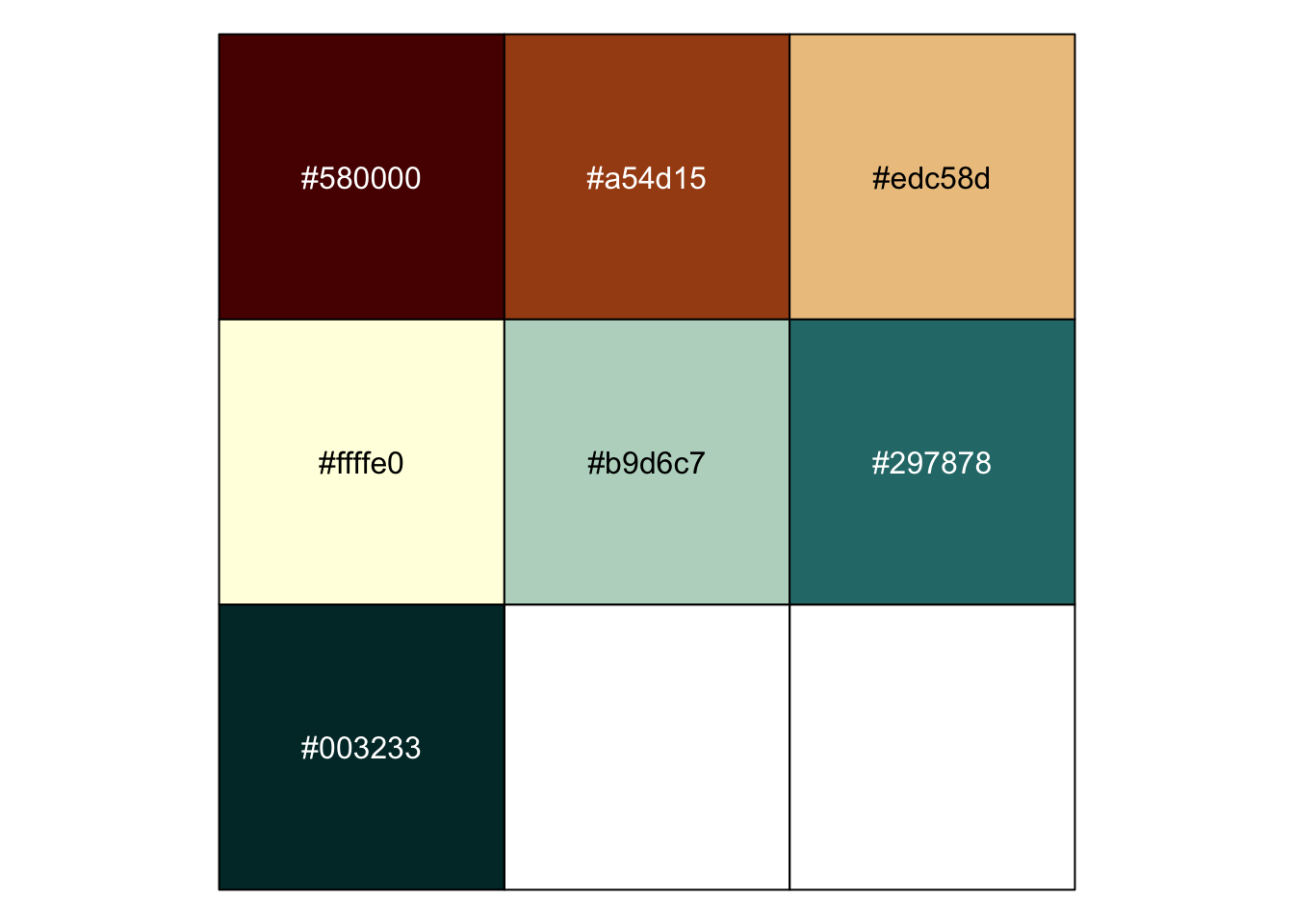
Read a gradient leonardo SVG palette
The continuous one is only slightly more complex:
<svg xmlns="http://www.w3.org/2000/svg" version="1.1" width="800px" height="80px" aria-hidden="true" id="gradientSvg">
    <rect id="gradientRect" width="800" height="80" fill="url(#gradientLinearGrad)" rx="8"></rect>
    <defs id="gradientDefs">
        <linearGradient id="gradientLinearGrad" x1="0" y1="0" x2="800" y2="0" gradientUnits="userSpaceOnUse">
            <stop offset="0" stop-color="rgb(88, 0, 0)"></stop>
            <stop offset="0.04081632653061224" stop-color="rgb(123, 37, 6)"></stop>
            <stop offset="0.08163265306122448" stop-color="rgb(153, 65, 16)"></stop>
            <stop offset="0.12244897959183673" stop-color="rgb(179, 90, 25)"></stop>
            <stop offset="0.16326530612244897" stop-color="rgb(203, 115, 34)"></stop>
            <stop offset="0.20408163265306123" stop-color="rgb(222, 139, 51)"></stop>
            <stop offset="0.24489795918367346" stop-color="rgb(230, 166, 94)"></stop>
            <stop offset="0.2857142857142857" stop-color="rgb(236, 190, 130)"></stop>
            <stop offset="0.32653061224489793" stop-color="rgb(240, 210, 160)"></stop>
            <stop offset="0.3673469387755102" stop-color="rgb(245, 227, 184)"></stop>
            <stop offset="0.40816326530612246" stop-color="rgb(249, 241, 204)"></stop>
            <stop offset="0.4489795918367347" stop-color="rgb(252, 250, 217)"></stop>
            <stop offset="0.4897959183673469" stop-color="rgb(254, 254, 222)"></stop>
            <stop offset="0.5306122448979592" stop-color="rgb(251, 252, 222)"></stop>
            <stop offset="0.5714285714285714" stop-color="rgb(242, 248, 220)"></stop>
            <stop offset="0.6122448979591837" stop-color="rgb(229, 240, 216)"></stop>
            <stop offset="0.6530612244897959" stop-color="rgb(210, 229, 209)"></stop>
            <stop offset="0.6938775510204082" stop-color="rgb(188, 216, 201)"></stop>
            <stop offset="0.7346938775510204" stop-color="rgb(160, 202, 189)"></stop>
            <stop offset="0.7755102040816326" stop-color="rgb(126, 186, 178)"></stop>
            <stop offset="0.8163265306122449" stop-color="rgb(74, 170, 167)"></stop>
            <stop offset="0.8571428571428571" stop-color="rgb(53, 147, 146)"></stop>
            <stop offset="0.8979591836734694" stop-color="rgb(42, 122, 121)"></stop>
            <stop offset="0.9387755102040817" stop-color="rgb(28, 94, 95)"></stop>
            <stop offset="0.9795918367346939" stop-color="rgb(9, 65, 66)"></stop>
        </linearGradient>
    </defs>
</svg>
Which means we have to do a tad bit more work in R:
read_svg_gradient <- \(path) {

  xml2::read_xml(path) |>
    xml2::xml_find_all(".//d1:stop") -> stops

  stringi::stri_replace_last_fixed(
    str = xml2::xml_attr(stops, "stop-color"),
    pattern = ")",
    replacement = ", alpha = 255, maxColorValue = 255)"
  ) -> rgbs

  list(
    colours = lapply(rgbs, \(rgb) parse(text = rgb)) |>
      sapply(eval) |>
      stringi::stri_replace_last_regex("FF$", ""),
    values = as.numeric(xml2::xml_attr(stops, "offset"))
  )

}

svg_grad <- read_svg_gradient("https://rud.is/dl/diverging-gradient.svg")

scales::show_col(svg_grad$colours)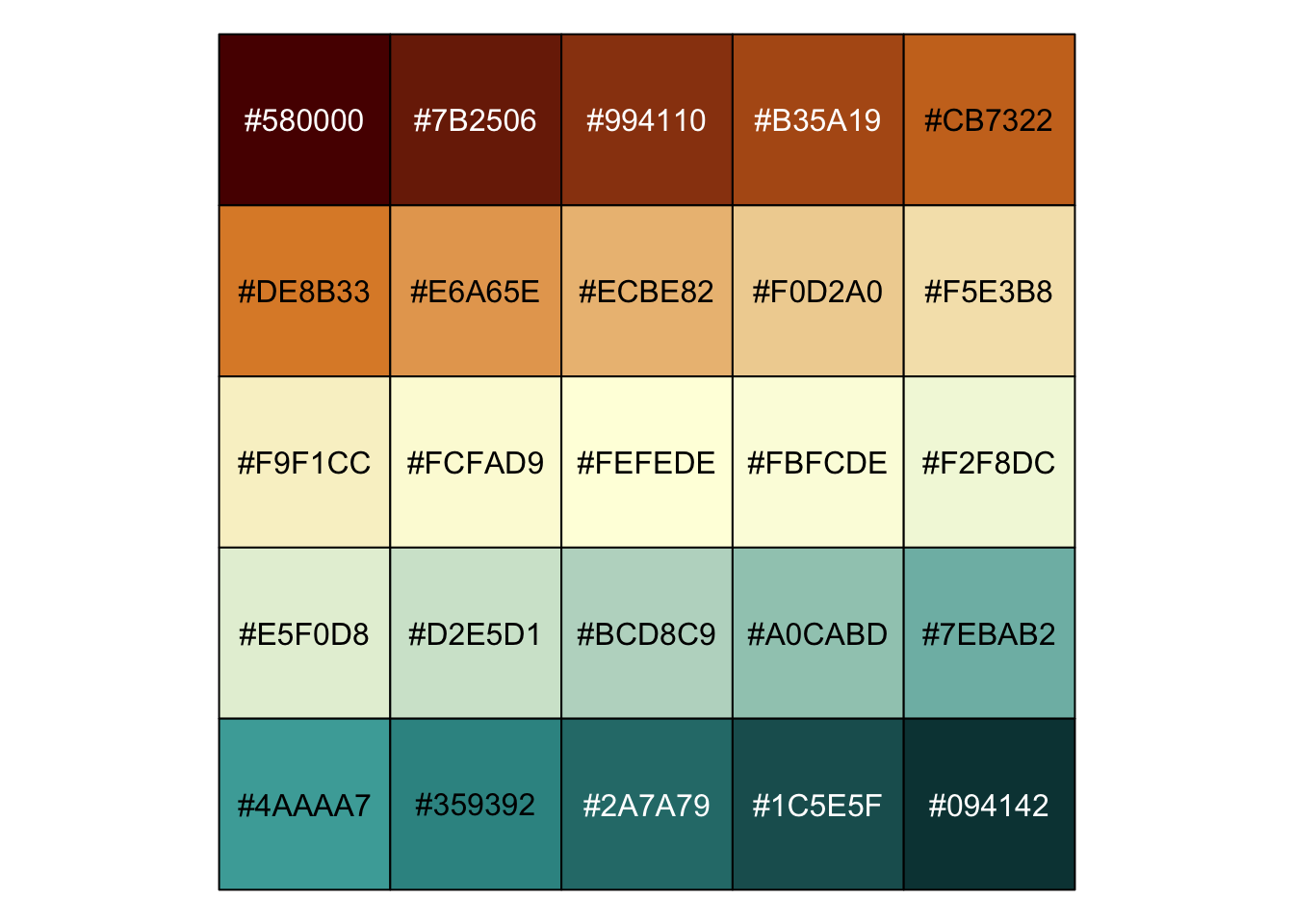
We can use the continuous palette with ggplot2::scale_color_gradientn():
df <- data.frame(
  x = runif(100),
  y = runif(100),
  z1 = rnorm(100),
  z2 = abs(rnorm(100))
)

ggplot2::ggplot(df, ggplot2::aes(x, y)) +
  ggplot2::geom_point(ggplot2::aes(colour = z1)) +
  ggplot2::scale_color_gradientn(
    colours = svg_grad$colours,
    values = svg_grad$values
  ) +
  hrbrthemes::theme_ft_rc(grid="XY")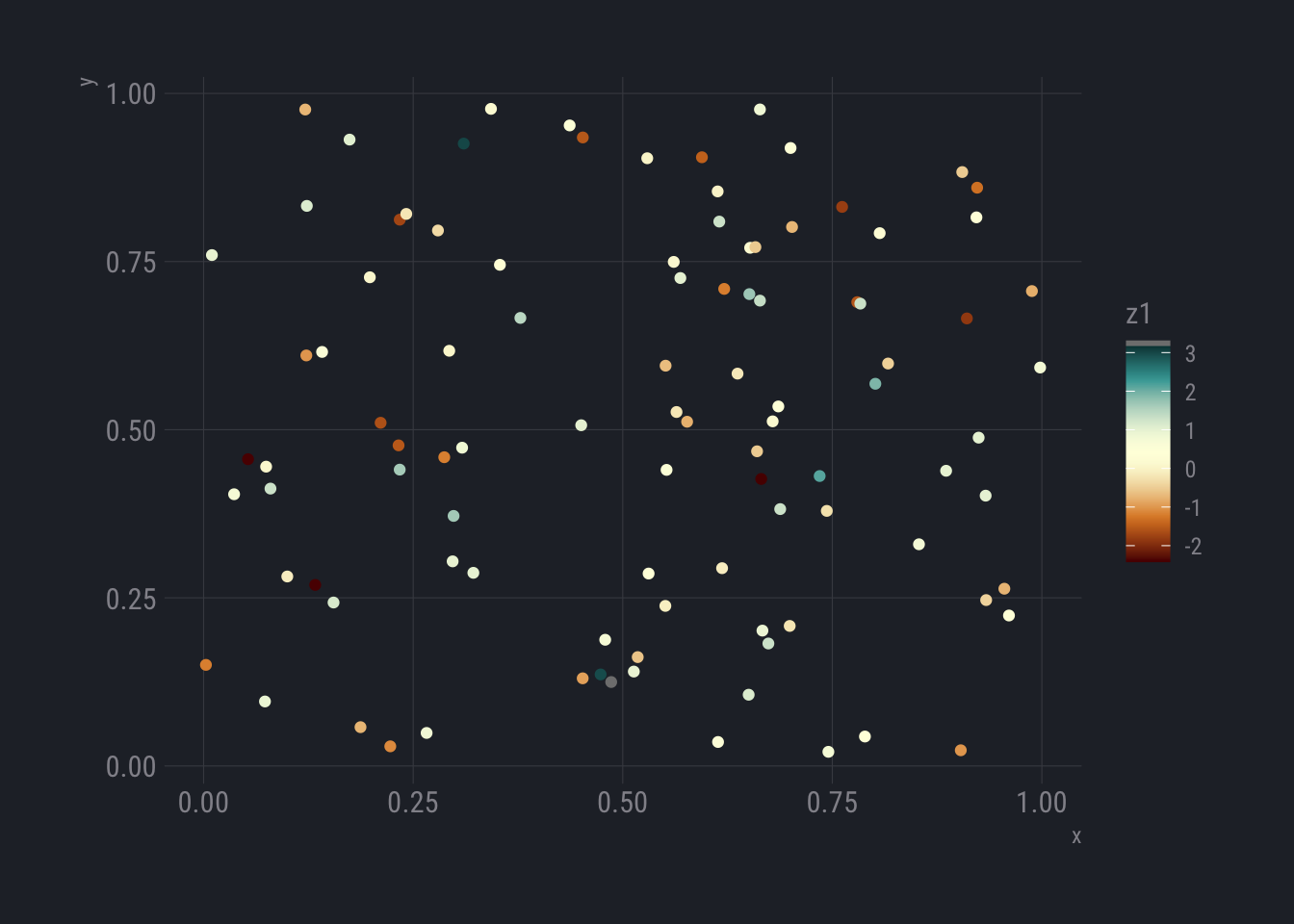
FIN
Short post, but hopefully a few folks are inspired to try Leonardo out.
No comments yet.